
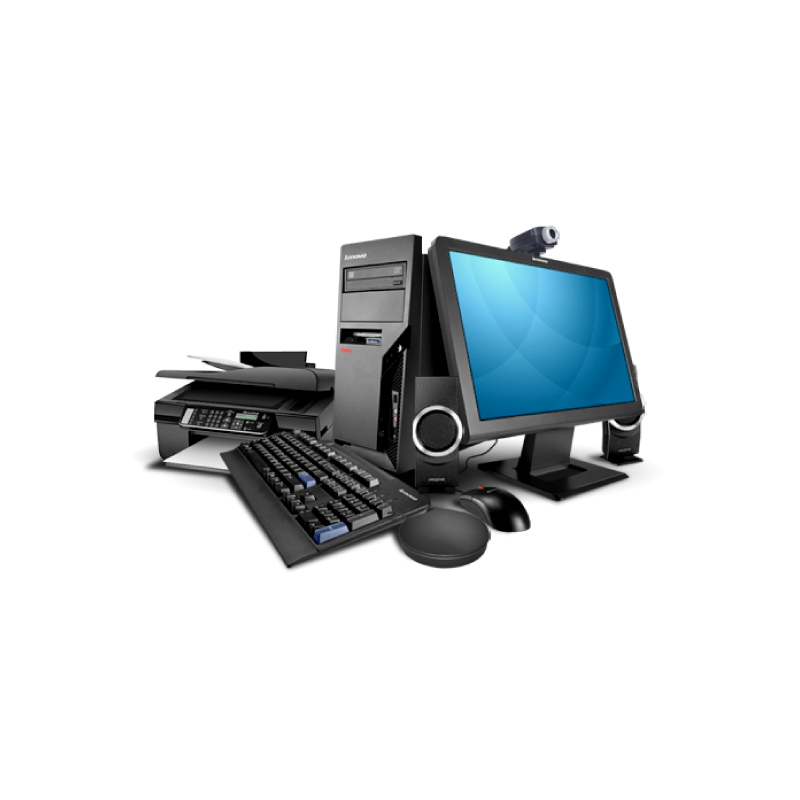
 Computers
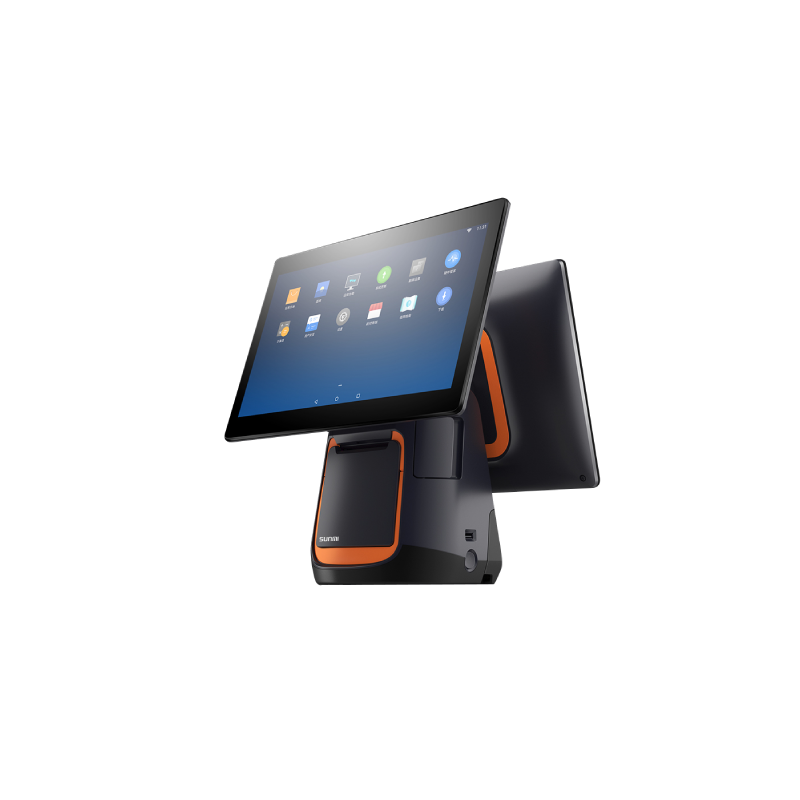 Android POS
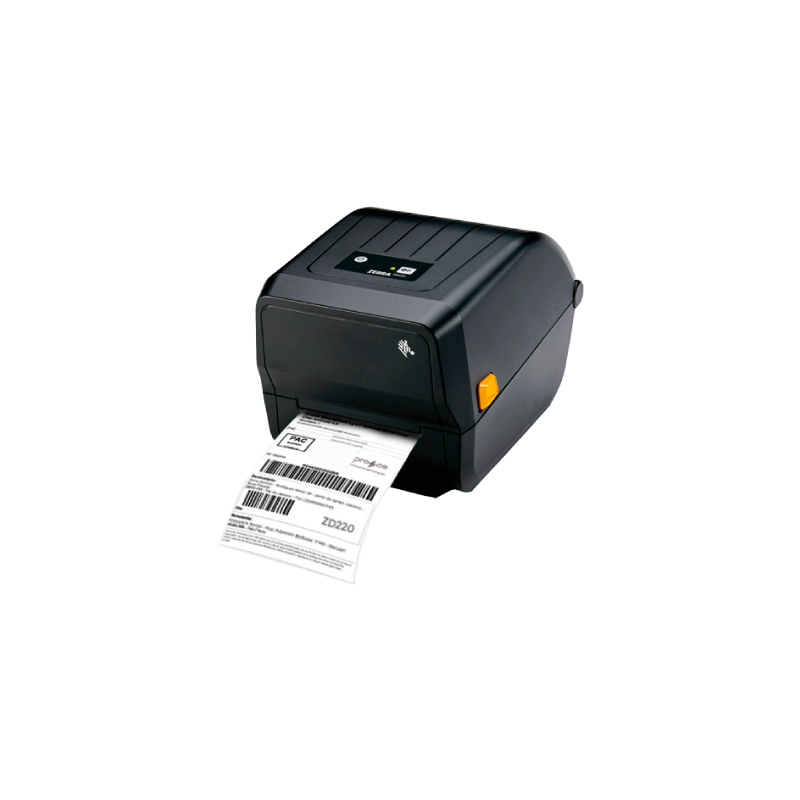 Barcode Printers
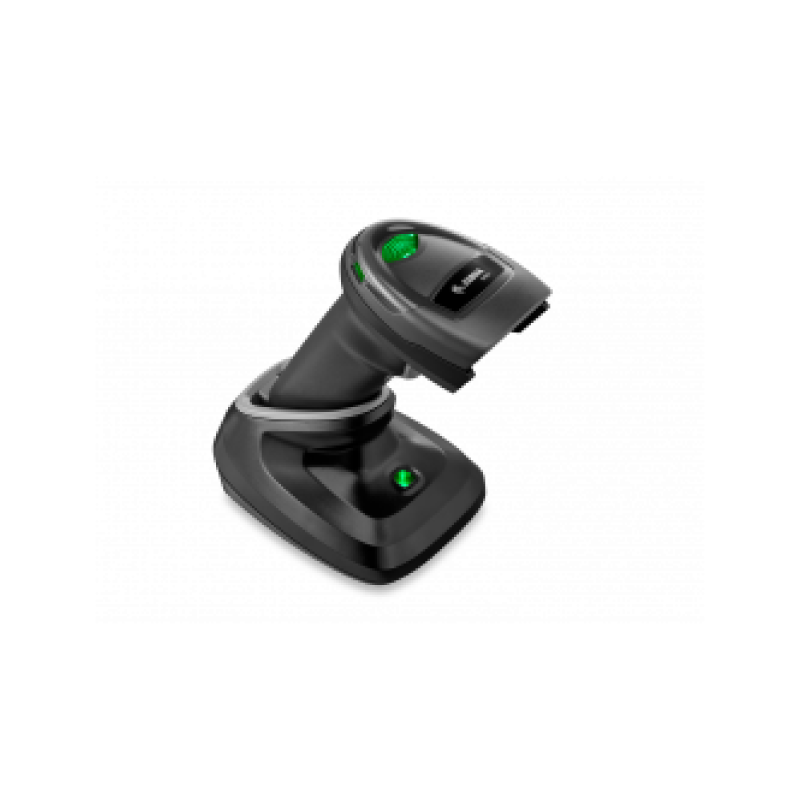 Barcode Scanner
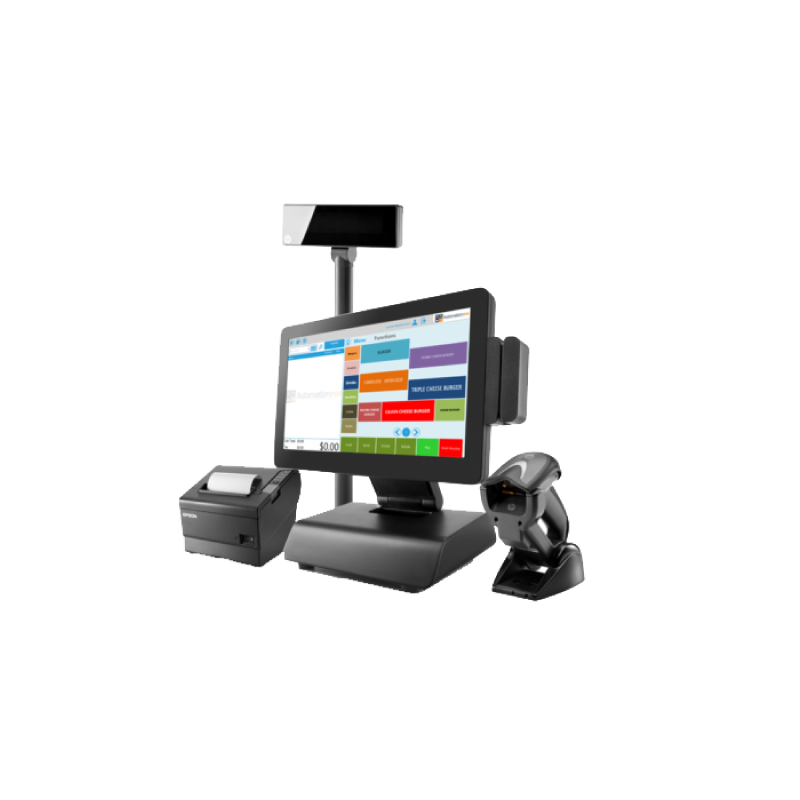 Windows POS
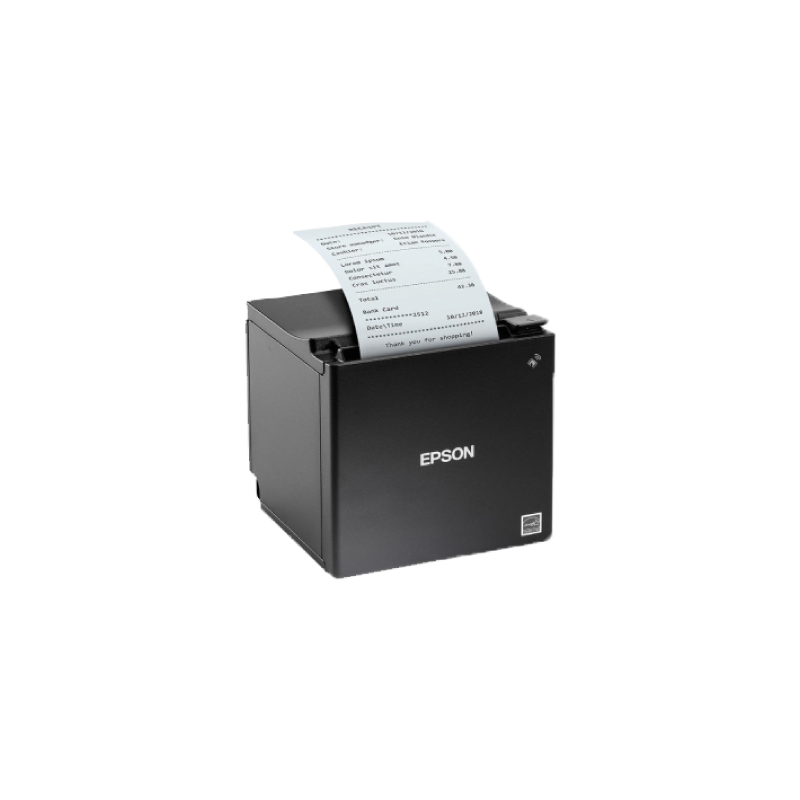 Receipt Printers
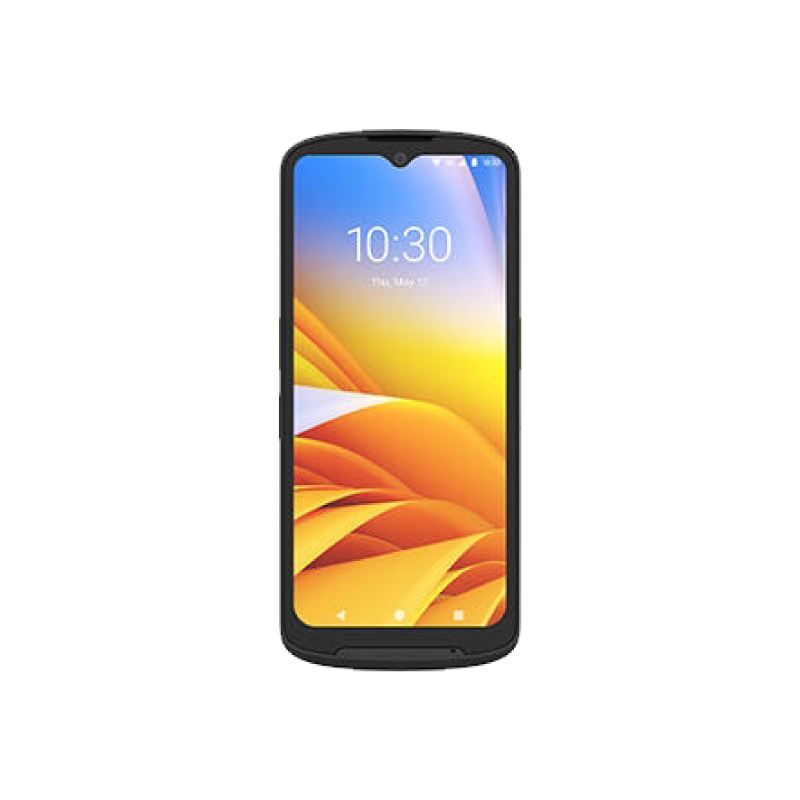 Handheld Computer
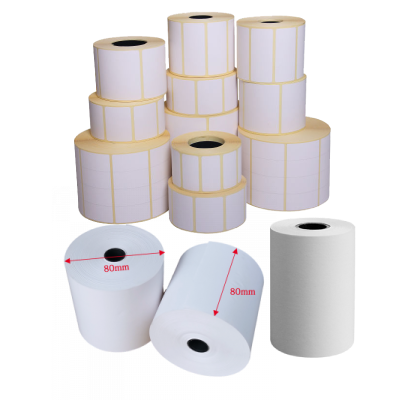 ROLL&LABEL
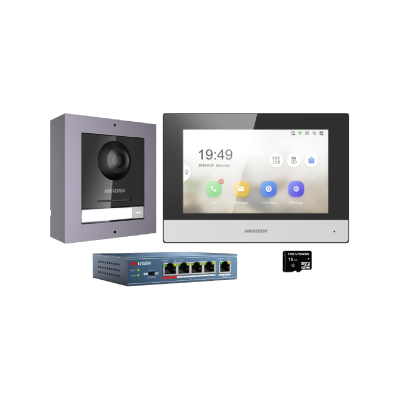 Intercom
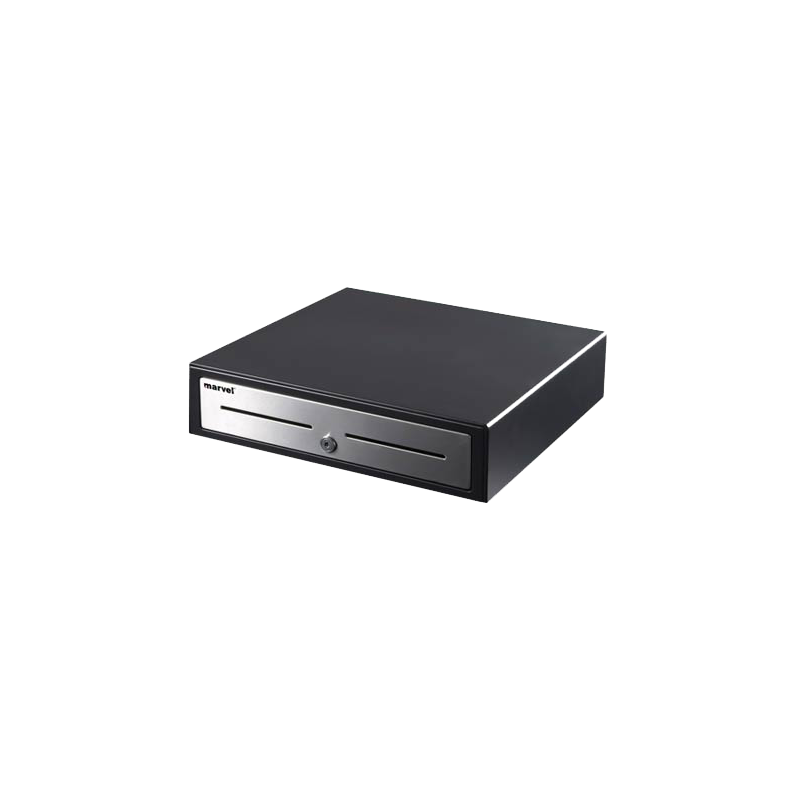 Cash Drawer
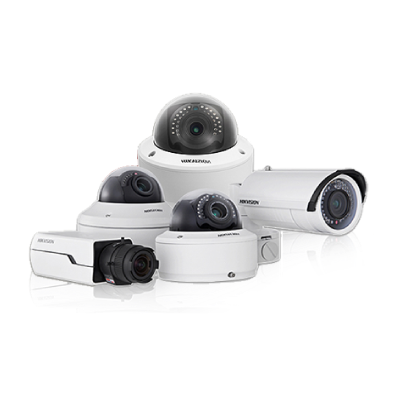 Security Cameras
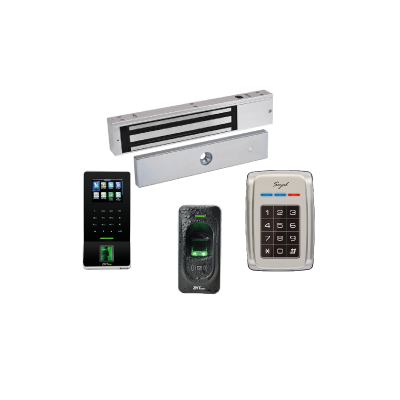 Access & Finger


FAQS
A: Choosing the right POS device depends on your business type, number of branches, software requirements, and daily transaction volume. The 4Mass team can help you select the best solution for your business needs.
A: Yes. Most POS devices feature high-resolution touchscreens that provide fast and efficient operation. They are available in different screen sizes to suit various business needs.
A: Yes. POS devices are ideal for supermarkets, retail stores, pharmacies, clothing shops, bakeries, and many other businesses. They are compatible with most POS and sales management software.
A: Yes. Most POS devices support connecting peripherals such as receipt printers, barcode scanners, cash drawers, as well as keyboards and mice, depending on the device model and operating system.
A: Yes. Our POS devices work with e-invoicing software that complies with the requirements of the Zakat, Tax and Customs Authority (ZATCA), making them suitable for electronic invoicing in Saudi Arabia.
A: In most cases, no. Barcode scanners are Plug & Play devices that work immediately after connecting to a computer or POS terminal. Some advanced features may require minor configuration depending on your system.
A: The best choice depends on your business needs, but Zebra and Honeywell barcode scanners are highly recommended for retail and POS environments due to their fast scanning performance, durability, and reliability.
A: Yes. Most 2D barcode scanners can read barcodes and QR Codes directly from smartphone and tablet screens, making them ideal for digital tickets, e-coupons, and electronic invoices.
A: Yes. Most barcode scanners support Plug & Play and are compatible with POS systems, accounting software, and inventory management applications without complicated setup.
A: Yes, but only if it is a 2D barcode scanner. It can read QR Codes, Data Matrix, and traditional 1D barcodes, making it ideal for ZATCA e-invoicing and modern business applications.
A: Yes. Inventory management devices are widely used in retail stores, pharmacies, manufacturing facilities, logistics companies, and distribution centers for inventory control, receiving goods, order picking, and asset tracking.
A: Yes. Most modern inventory management devices run on Android, making it easy to use warehouse and inventory applications with a familiar interface and fast performance.
A: Yes. Most modern inventory devices can scan both 1D barcodes and 2D codes, including QR Codes, quickly and accurately, even when labels are damaged or difficult to read.
A: Yes. Most inventory management devices support ERP and WMS systems through dedicated applications or direct integration, allowing real-time inventory updates while reducing manual errors.
A: An inventory management device is a handheld computer with a built-in barcode scanner that enables fast and accurate stock counting and inventory updates. It is widely used in warehouses, retail stores, logistics companies, and distribution centers to improve inventory accuracy and operational efficiency.
A: For warehouses and heavy-duty environments, we recommend industrial models such as the Zebra ZT Series or industrial TSC printers. For offices and retail stores, desktop models like the Zebra ZD Series and TSC desktop printers provide excellent performance and reliability.
A: Yes. Barcode printers are widely used to print high-quality shipping labels for courier companies and e-commerce businesses, supporting various label sizes.
A: Most barcode printers support both 1D barcodes such as Code 128, EAN, and Code 39, as well as 2D barcodes including QR Codes and Data Matrix, depending on the software being used.
A: It depends on the printer type. Direct Thermal printers do not require ink or ribbon, while Thermal Transfer printers use a ribbon to produce durable, long-lasting labels.
A: Direct Thermal printers do not require a ribbon and are ideal for short-term labels such as shipping labels and receipts. Thermal Transfer printers use a ribbon to produce more durable labels that resist heat, moisture, and scratches, making them ideal for long-term applications.
A: Yes. Some ID card printers support automatic dual-sided printing, while others are designed for single-sided printing only. The right choice depends on your organization's requirements and card issuance volume.
A: ID card printers can produce employee IDs, student IDs, membership cards, visitor badges, access control cards, as well as PVC loyalty and gift cards.
A: Yes. You can design your cards using compatible card design software and send them directly to the ID card printer to produce professional-quality PVC cards in just a few minutes.
A: A plastic ID card printer is a specialized device designed to print high-quality PVC cards, including employee IDs, student IDs, membership cards, visitor badges, and access control cards. Depending on the printer model, it can produce full-color or monochrome cards and may support magnetic stripe or smart card encoding.
A: Yes. Most thermal receipt printers support printing the store logo, business information, VAT registration number, and QR Code, depending on the capabilities of your POS or invoicing software.
A: It depends on the model, but most professional thermal receipt printers feature a printhead rated for 150–200 km of printing, along with an auto cutter designed to handle millions of cuts, making them ideal for heavy commercial use.
A: No. Thermal receipt printers do not require ink or toner. They use direct thermal printing technology on special thermal paper, which reduces operating and maintenance costs while providing fast, high-quality receipt printing.
A: Yes. It supports NFC (Near Field Communication) technology, allowing contactless payments when used with compatible payment applications and payment service providers.
A: Yes. It can be used as a mobile POS terminal for managing sales, printing receipts, and taking customer orders while on the move.
A: Yes. Most cash drawers can be connected to a receipt printer through an RJ11 or RJ12 port, allowing the drawer to open automatically after each completed sale.
A: Yes. It is equipped with a secure lock to protect cash and prevent unauthorized access.
A: Yes. Cash drawers are available in multiple sizes to suit different retail stores and POS environments.
A: The ideal size depends on your counter space, daily transaction volume, and the amount of cash handled.
A: Yes. Most professional cash drawers are made of reinforced steel to withstand intensive daily use.
A: Before choosing a barcode scanner, consider these three factors:
- Barcode type
- Connection method
- Usage environment
1. Barcode Type
1D Barcode Scanner
- Reads traditional linear barcodes.
- Best for retail products and warehouse operations.
2D Barcode Scanner
- Reads QR Codes, Data Matrix, and other 2D codes.
- Ideal for ZATCA e-invoices, mobile applications, pharmacies, and modern business systems.
Important: If your business is required to comply with ZATCA e-invoicing, you need a 2D barcode scanner, since electronic invoices include a QR Code.
2. Recommended Brands
Zebra and Honeywell are among the most trusted brands, offering excellent scanning performance, durability, and long service life for commercial use.
3. Connection Type
USB (Wired)
- Connects directly to a computer.
- Best for fixed POS stations.
Wireless
- Offers greater mobility.
- Stores scanned data in memory and uploads it automatically when returned to the charging cradle.
- Ideal for warehouses and large retail stores.
Bluetooth
- Short-range wireless connection.
- Best for mobile POS applications.
Example: Zebra DS2278
- Wireless scanner that reads both 1D and 2D barcodes.
- Automatically uploads stored data when placed back on its cradle.
- Ideal for retail stores and warehouses.
Example: Honeywell Voyager 1472G
- Wireless scanner.
- Reads both 1D and 2D barcodes, including QR Codes.
- Excellent performance in demanding retail environments.
Need help choosing?
Tell us about your business, and we'll recommend the most suitable barcode scanner.
WhatsApp: +966 55 433 0508
A: Not all receipt printers are compatible with Android and iOS — this is a critical point to check before purchasing.
Printers Compatible with Android & iOS:
| Printer | Connection | Android | iOS |
|---|---|---|---|
| Epson TM-T20III (012) | Ethernet (Network) | ✅ | ✅ |
| Epson TM-m30II | Ethernet + Bluetooth + Wi-Fi | ✅ | ✅ |
| Sunmi (Built-in Printer) | Built into device | ✅ | — |
| Compact Mobile Printer | Bluetooth | ✅ | — |
| Sunmi NT311 | Ethernet + Bluetooth | ✅ | ✅ |
Other Printers — Windows Only:
The remaining printers in our store connect via USB or Serial ports and are designed to work exclusively with Windows-based POS systems. They do not support direct connection to tablets or smartphones.
💡 Tip: Before placing your order, let us know which POS system or operating system you're using — we'll guide you to the right printer. Contact us at +966554330508
A: Your choice depends on your application.
For warehouses and shipping operations, we recommend industrial barcode label printers such as Zebra ZD Series or TSC printers.
For retail businesses, desktop barcode printers are usually sufficient.
If you need to print ID cards or plastic cards, we also offer specialized card printers.
Contact us, and we'll help you choose the right solution.
A: Yes. We deliver to all cities and regions across Saudi Arabia. Our shipping is fast, reliable, and trackable. We also provide customized shipping solutions for large orders and corporate customers.
A: Yes. 4Mass offers competitive pricing for wholesale purchases, businesses, and government organizations. Contact us via WhatsApp or email to receive a customized quotation.
A: Yes. 4Mass provides comprehensive after-sales support and maintenance services for all our products. Our dedicated technical team has been serving customers in Riyadh and across Saudi Arabia since 1995, ensuring reliable support and customer satisfaction.
A: We recommend Android-based handheld inventory terminals such as the Zebra TC15, which are designed to withstand drops and dust while offering high-speed 2D barcode scanning. They are ideal for logistics, inventory management, retail, and courier companies, and are fully compatible with ERP and WMS systems. We also recommend the Honeywell EDA52 handheld inventory computer.
A: We recommend Android or Windows POS systems equipped with a touchscreen, thermal receipt printer, and cash drawer. The best choice depends on the size of your restaurant and the POS software you use. At 4Mass, we offer free consultation to help you select the ideal solution for your business.
A: Yes. All POS systems and receipt printers supplied by 4Mass are fully compatible with ZATCA e-invoicing requirements. We also provide technical support to help integrate your devices with approved e-invoicing software, ensuring a smooth and compliant setup.
A: A Windows POS is ideal for businesses using professional accounting software such as Opera, Zaitoon, and QuickBooks, as it runs the full Windows operating system and supports desktop applications.
An Android POS is faster to start, easier to use, and more affordable, making it an excellent choice for restaurants and small to medium-sized businesses that use cloud-based POS applications.